
Set up appointment types
Choose the duration, format and booking access for your services.
Find answers about your calendar, bookings and patient portal, or set up your practice step by step.
Choose the duration, format and booking access for your services.
Plan working hours, available appointments and breaks in your calendar.
Test the patient experience, then link to or embed your booking page.
Copy availability into even or odd target weeks and understand how this differs from an appointment series.
Follow booking, appointment details and permitted changes in the portal.
Choose appointment and patient portal reminders for your practice.
Manage booking groups, patient access and daily appointment limits.
Start with your offer, release your times, then check the complete patient experience.
Define the sessions patients can book, including duration, format and access.
Set up appointment typesPublish the times you want to offer and keep internal time protected.
Set up availabilityCheck the patient experience, complete a test booking and share or embed your booking page.
Get your booking page ready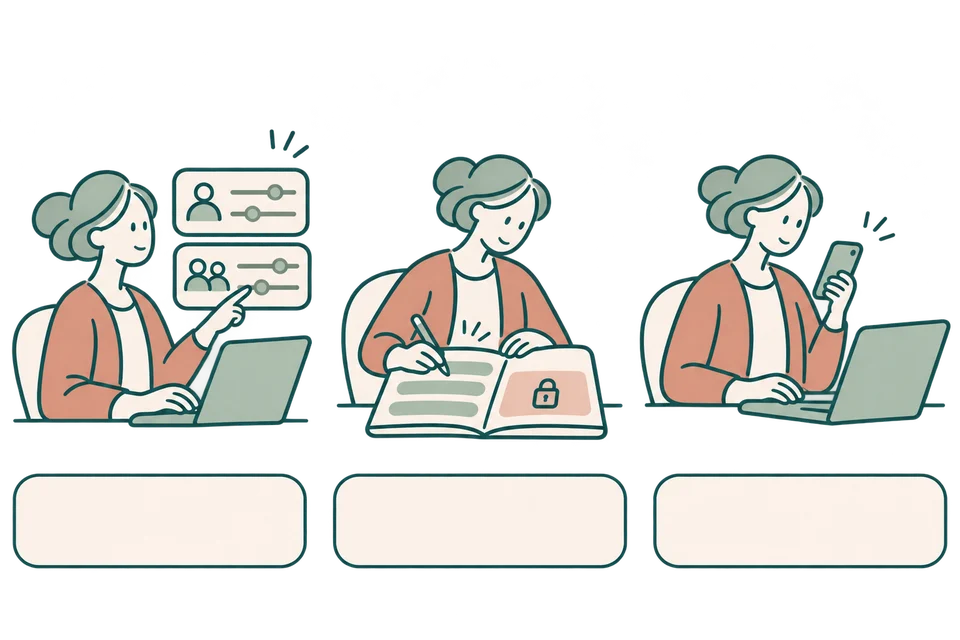
This is how an ordinary booking works without online payment or a session package.
Patients choose an offered appointment type and a time you have released.
They enter their contact details, check the appointment and submit the booking.
The appointment is confirmed immediately. The confirmation records the agreed details.
Payment is verified before the appointment is confirmed. Until then, the time is held temporarily. A detected scheduling conflict requires review by the practice.
Enable online paymentsThis example follows a patient requesting a follow-up session with a session package. Appointment times are chosen separately from the package purchase.
An ordinary public booking without payment is confirmed when submitted. A booking using a session package awaits practice approval. If payment is required, it must be verified before the booking is confirmed.
The booking path determines the result
Read the booking result: required payment and session packages follow different confirmation steps.

Ordinary booking
Payment required
Session package
Read the displayed result. Returning from checkout is not payment verification, and a reserved package session is not a confirmed appointment.
Choose where an appointment type is offered. Patients see the eligible sessions and availability released for their booking route.
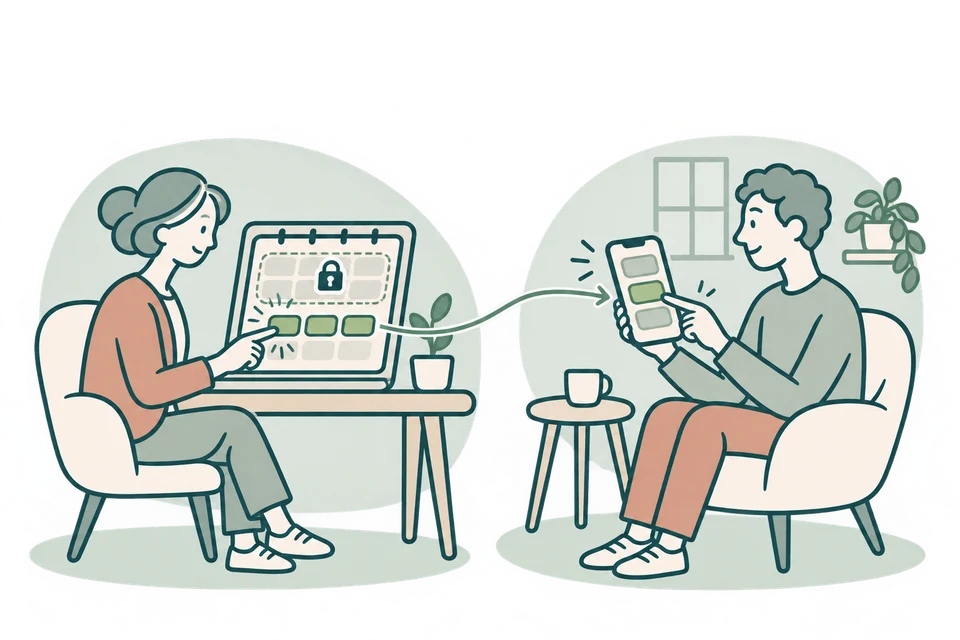
Set cancellation and rescheduling rules for each appointment type. Patients can make permitted changes from their appointment details.

Define a package of sessions. Patients or the practice book appointment times separately, according to the patient’s booking permissions.
Get help with your practice’s booking flow or book a personal walkthrough of Theravo.