€1 per confirmed appointment. A maximum of €49 per month.
How online booking works
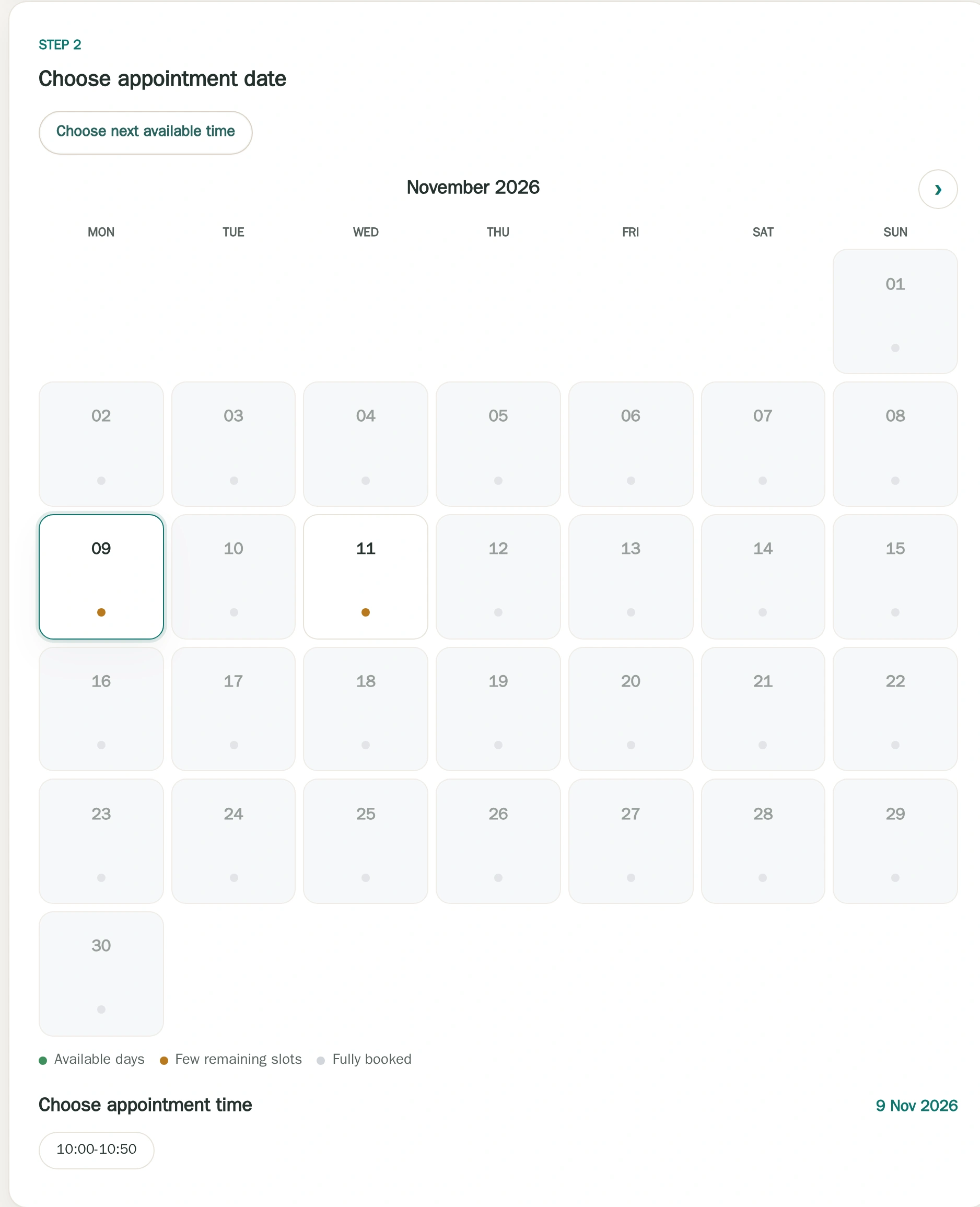
Appointment type → time → contact details → confirmation
Clients see the session format and duration before choosing one of the times you have made available.
Theravo / Online bookingOnline booking showing appointments released by the practice.Product view with fictional example data.
Shape appointment types around the way you work
Each appointment type can have its own duration, availability and booking rules.
Initial consultation
Counselling session
Follow-up session
Couples counselling
Online counselling
Extended session
In person
Online
Own settings for each offer
Duration
Buffer
Location
Booking access
Give each offer its own duration, buffer, location and booking access.
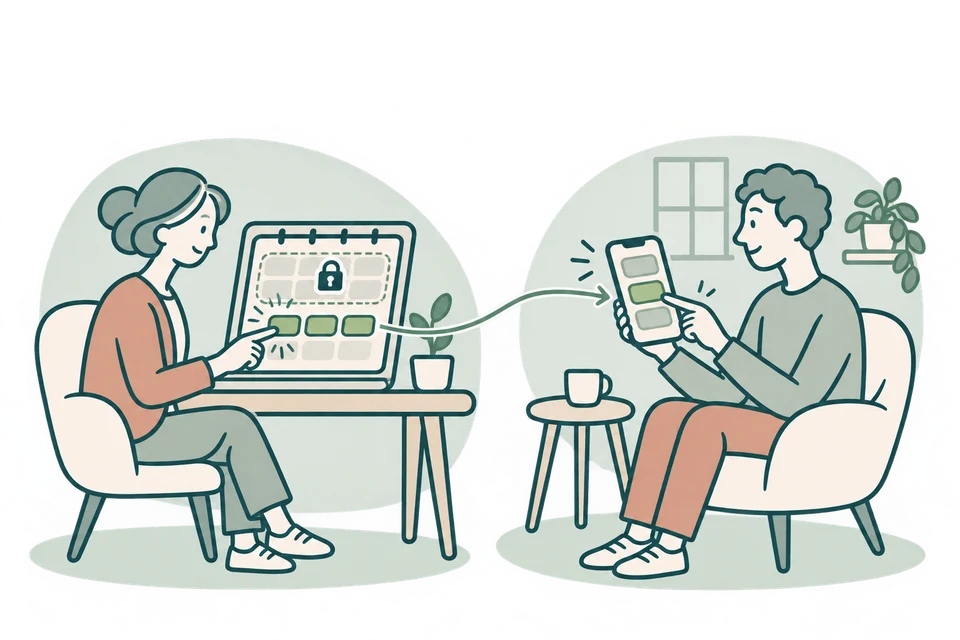
Clients book. You decide what’s available.
You decide which appointments appear online. Clients can see:
session type
duration
format
available times
Your internal calendar remains private.
Different working weeks are easy to manage
Your practice does not need to follow the exact same schedule every week. Theravo lets you:
publish individual available times
copy week patterns
maintain separate even/odd-week schedules
block private time
make selected appointment types bookable
Copy a weekly pattern into selected weeks
Copy a checked weekly pattern into matching even or odd calendar weeks within a chosen period.
Checked source weekA
Even calendar weeks only
Selected target period
Odd week
BUnchanged
Even week
ACopied from source
Odd week
BUnchanged
Even week
ACopied from source
Schematic example: four selected weeks.
A finite copy of free availability. Booked and protected time remains; copying does not create patient appointments.
New enquiries and existing clients stay separate
Not every appointment type belongs on a public booking page. Initial consultations can be available publicly while ongoing sessions remain available only to existing clients.
A client portal on your terms
If you enable the portal, clients can use the appointment options you release. You continue to decide which bookings, changes and cancellations are allowed.
Scheduling for therapy practices — without heavyweight practice software
Theravo focuses on the part of running a private practice that can consume a surprising amount of time:
Availability, bookings, changes and appointment organisation — without claiming to replace required clinical records.
Privacy-focused appointment organisation
Theravo’s core application and database are hosted in Germany. Access is controlled, and the service is designed for sensitive appointment information. A Data Processing Agreement is available where applicable, and encrypted external backups support service recovery.
Theravo focuses on appointment organisation and does not replace clinical records or other documentation your practice is required to keep.
Theravo is intentionally focused. No oversized practice-management suite. No unnecessary clinical complexity. No complicated setup just to manage your appointments.