
New clients and existing clients can see different availability
Open first-consultation slots to new enquiries while keeping follow-up appointments available only to existing clients. You control who can access each appointment type.

Spend less time answering: “Do you have anything available next week?”
Theravo brings availability, first consultations, follow-up appointments and online booking into one simple workspace.
€1 per confirmed appointment. A maximum of €49 per month.

Appointment type → time → contact details → confirmation
Clients choose a consultation type and one of the times that your practice has deliberately released for booking.
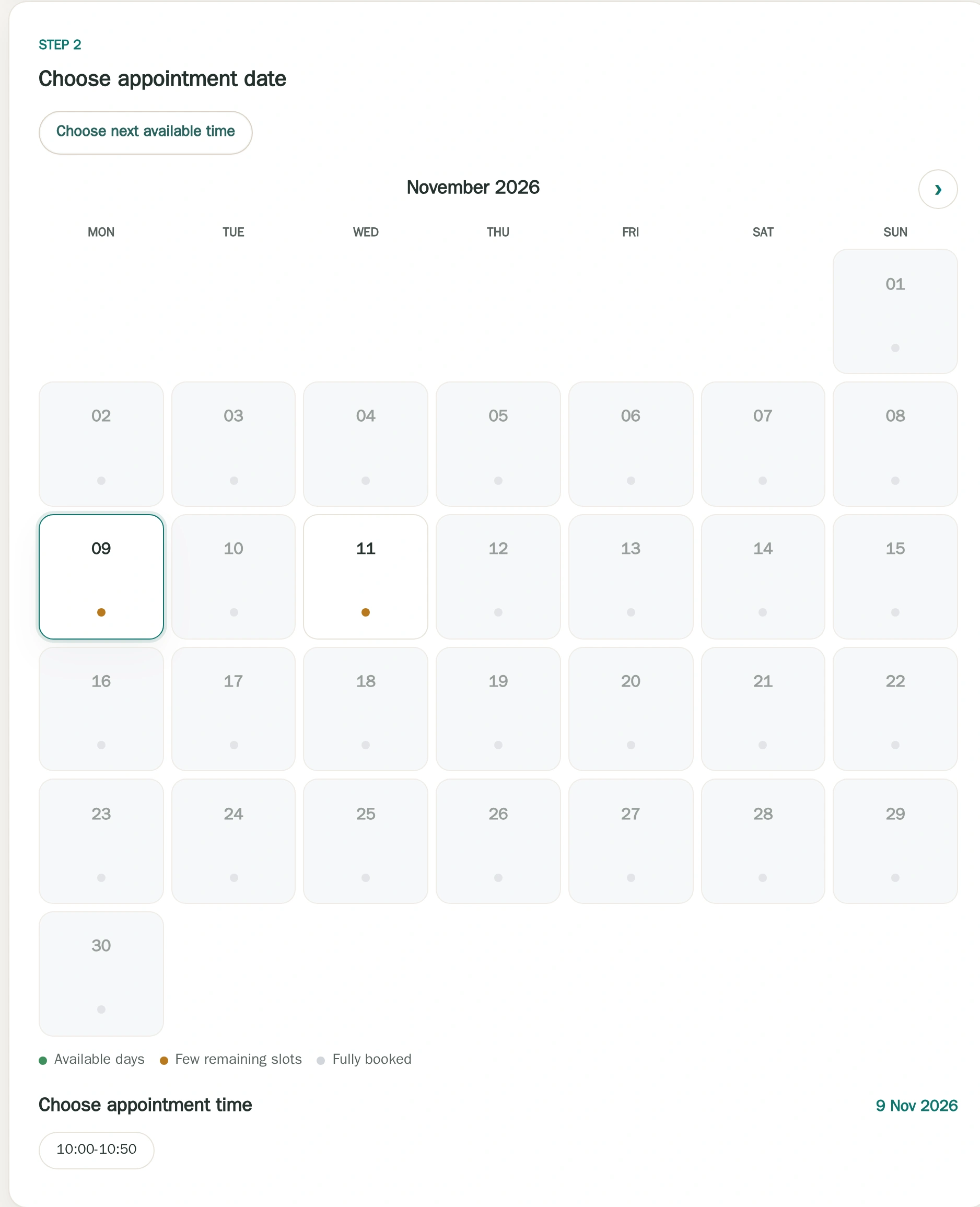
Open first-consultation slots to new enquiries while keeping follow-up appointments available only to existing clients. You control who can access each appointment type.
Theravo publishes availability — not your entire working calendar. Only the time slots you deliberately release appear on your booking page. Private blocks and internal appointments remain private.
Each service can have its own:

Own settings for each offer
A 50-minute consultation plus a break? Different availability every other week? A specific afternoon reserved for first consultations? Theravo lets you reflect those patterns directly in your calendar.
Copy a weekly pattern into selected weeks
Copy a checked weekly pattern into matching even or odd calendar weeks within a chosen period.

Even calendar weeks only
Selected target period
Odd week
BUnchangedEven week
ACopied from sourceOdd week
BUnchangedEven week
ACopied from sourceSchematic example: four selected weeks.
A finite copy of free availability. Booked and protected time remains; copying does not create patient appointments.
Clients can receive appointment information and, when the portal is enabled, use the appointment-management options your practice has made available.
Appointment information for clients
Clients receive appointment information and use portal options enabled by the practice.

You should not need a heavyweight practice-management platform simply to organise appointments. Theravo focuses on:
It is deliberately focused on appointment organisation rather than becoming a full clinical record system.
Theravo’s core application and database are hosted in Germany. Access is controlled, and the service is designed for sensitive appointment information. A Data Processing Agreement is available where applicable, and encrypted external backups support service recovery.
Theravo focuses on appointment organisation and does not replace clinical records or other documentation your practice is required to keep.
Yes. You can create a separate appointment type and release selected times for new clients.
No. Clients see only the times you deliberately make bookable.
Yes. Each appointment type can have its own availability, duration, location and buffer.
No. Theravo is designed for appointment organisation and appointment-related communication.
Therapists & Psychotherapists · Set up your calendar and availability
Connect availability, online booking and client appointment access without adding clinical complexity.
Schedule a walkthrough